Give your demos the spotlight they deserve

Capptivo is a Screen Studio and Cursorful alternative. Create stunning screen recordings in seconds, not hours. With smart follow-cursor zoom and automatic zoom fragments, your demos practically make themselves.


A clean, intuitive interface designed for focus and speed.

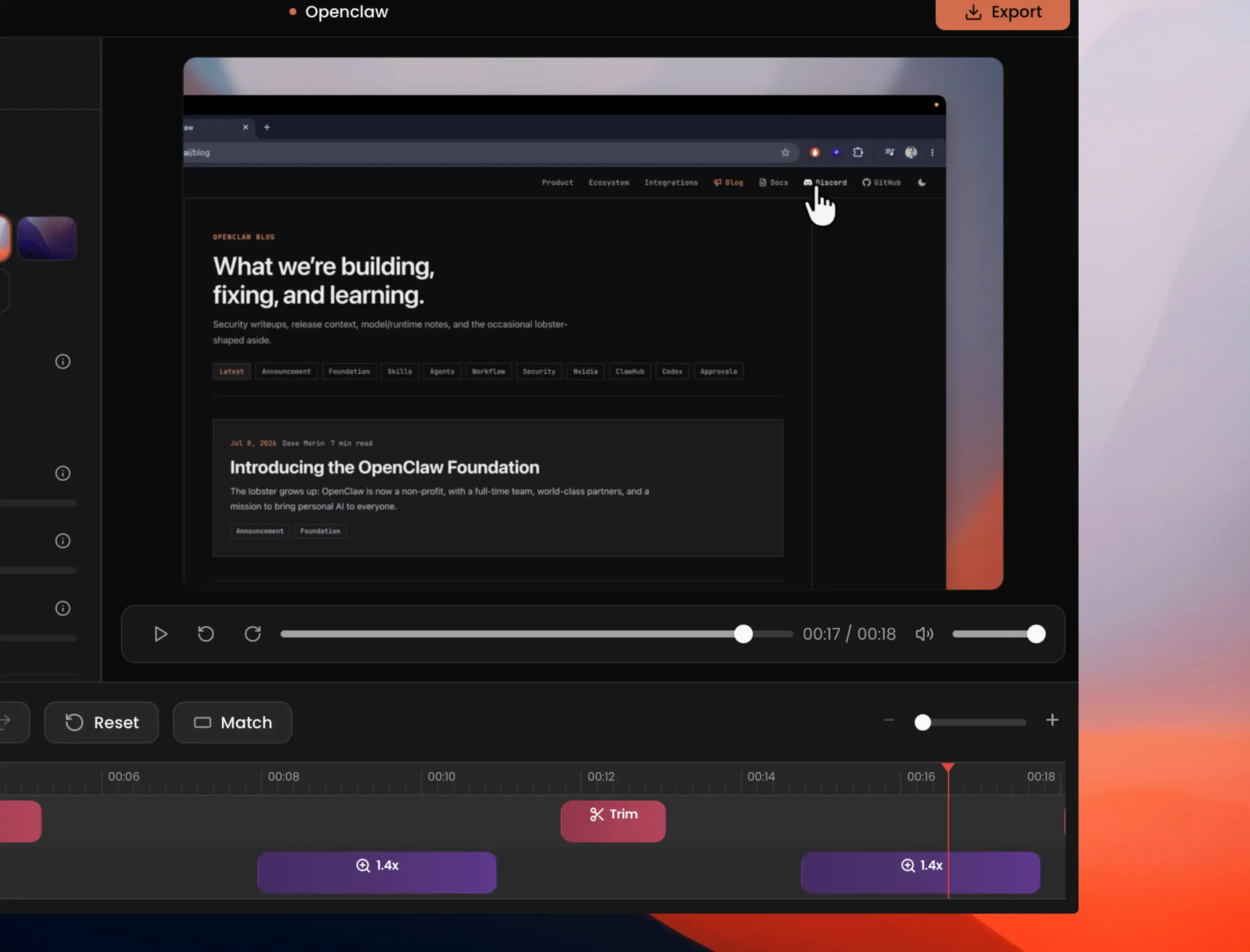
  • Capptivo timeline with zoom segments and trim controls
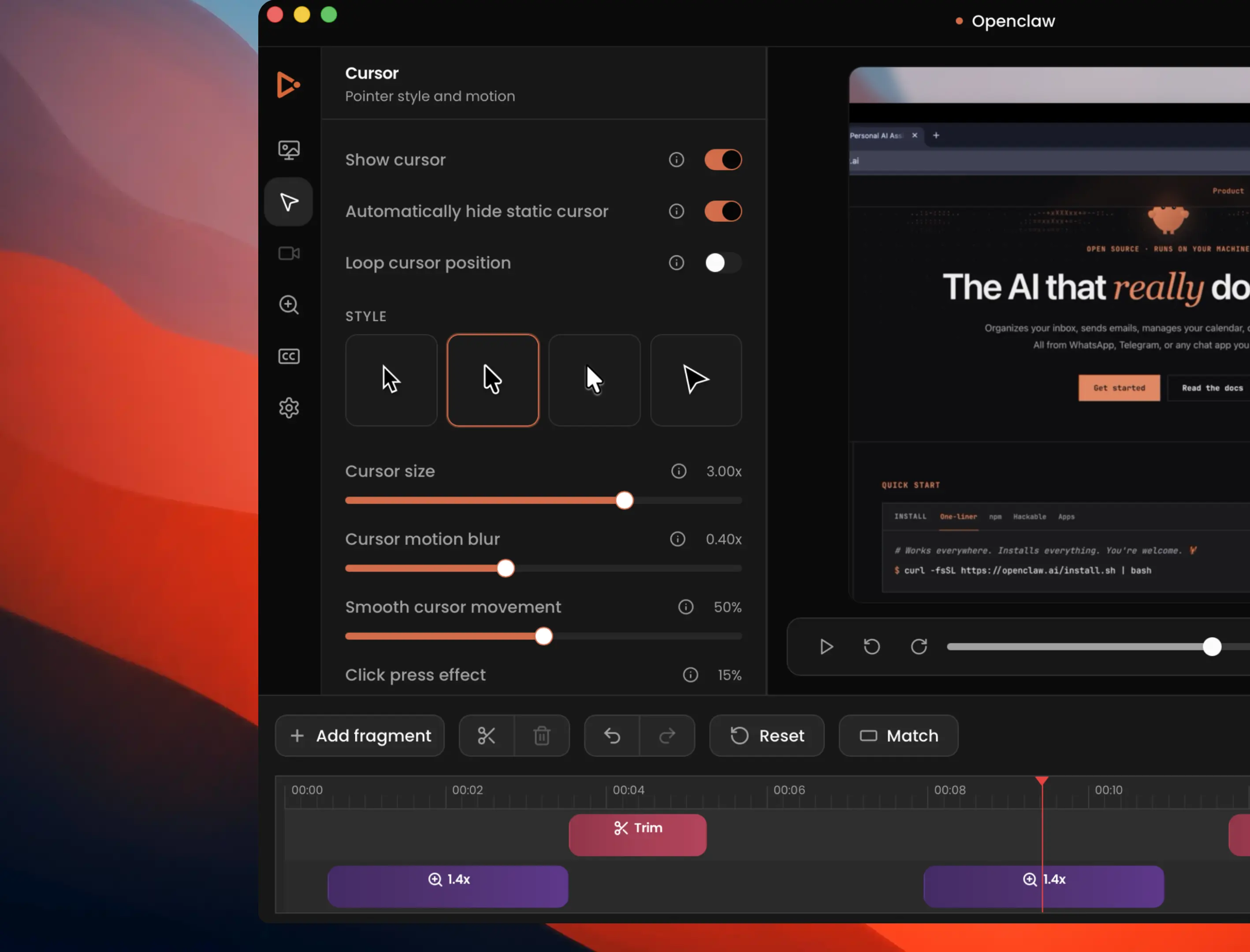
  • Capptivo cursor and zoom settings panel
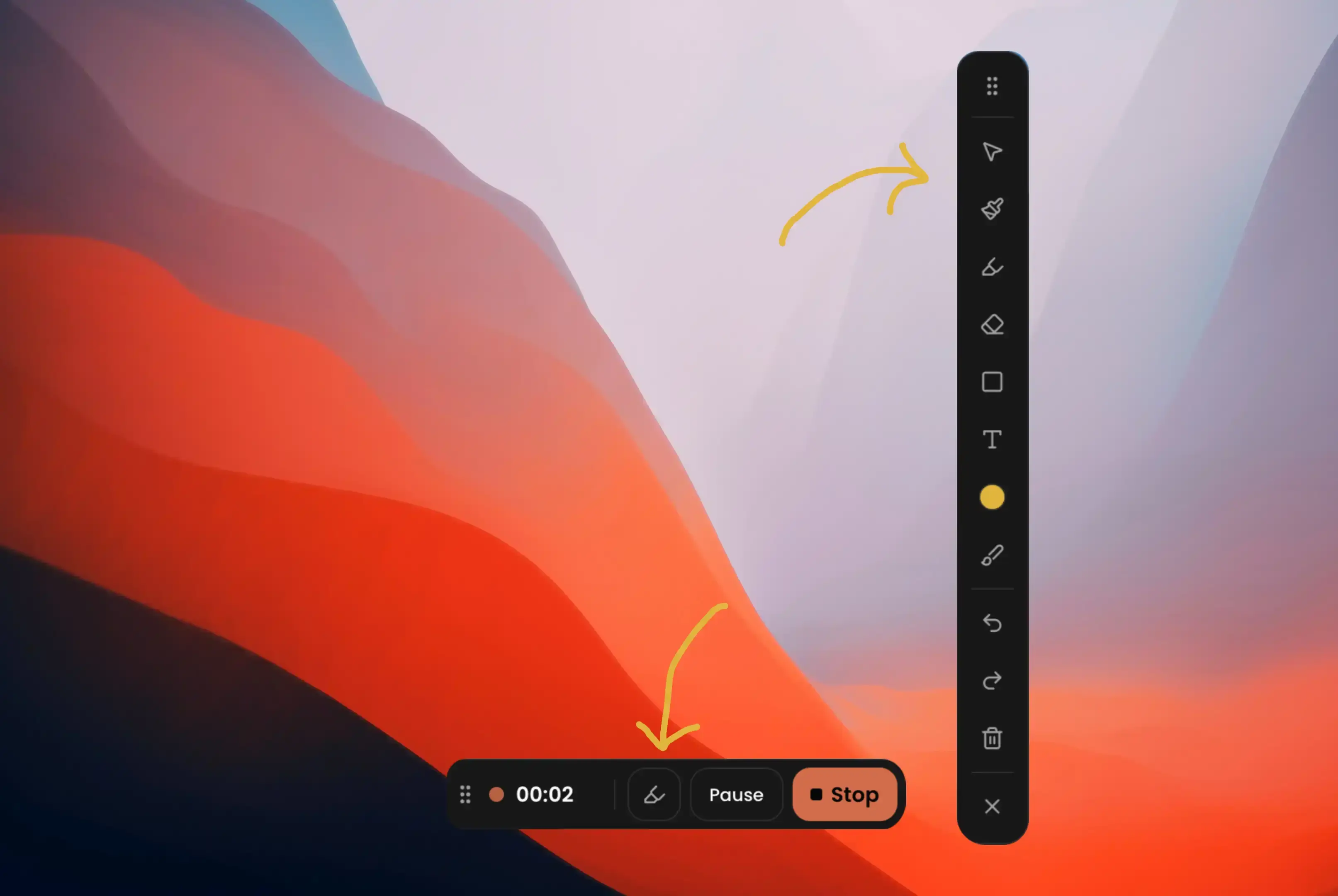
  • Capptivo annotation toolbar
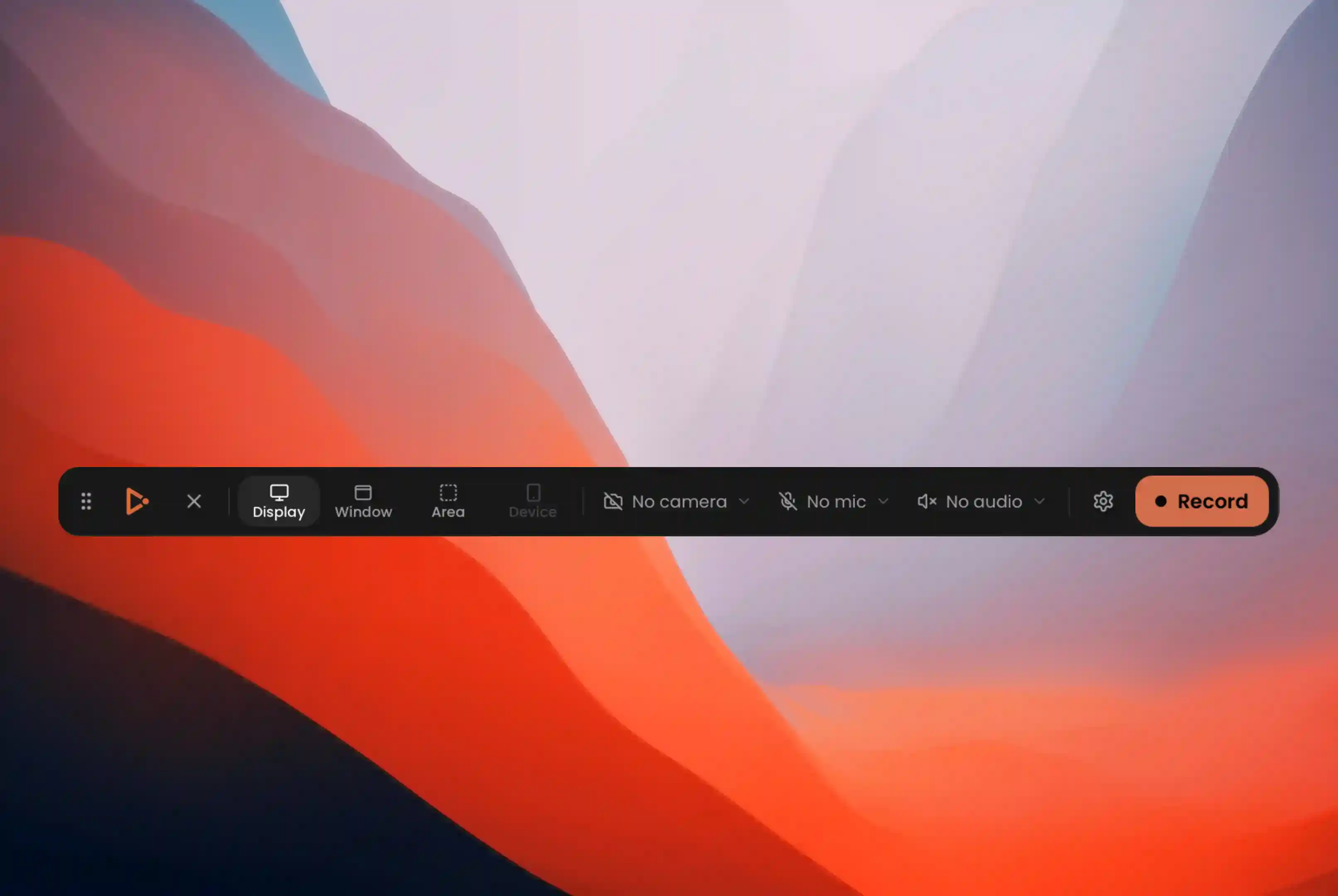
  • Capptivo recording controls bar

Why Capptivo

Smart zoom and motion

Pans and zooms follow the cursor so the important part of the screen stays in view.

Your background

Use a preset or upload an image. Change it when you need a new look.

Custom cursor

macOS Tahoe-style cursors with smooth movement. Idle cursors hide automatically, and you can loop the cursor path so social and demo videos restart cleanly.

Draw and highlight on screen

Use a pen, highlighter, and simple shapes to explain a step, walk through a flow, or show what to look at. What you draw is saved in the recording, on top of the screen.

Export in more than one size

Widescreen, square, or vertical. One edit, several outputs for the places you post.

Simple timeline editing

Drag your zooms on the timeline. The motion in between is filled in for you.

Desktop apps for every platform.

Native Capptivo apps for macOS, Windows, and Linux — record and edit on the setup your team already uses.

Frequently asked questions

Straight answers about the desktop app, recording, editing, and your data.