
- launch
- product
Capptivo is live — polished demos without the subscription
Free, open-source screen recording for Mac, Windows, and Linux. Smart follow-cursor zoom, annotations, on-device captions, and local-first editing—no $29/month gate.
3 د قراءة
Today Capptivo is open for everyone.
It’s a free, MIT-licensed desktop app for turning raw screen captures into demos people actually finish watching—on macOS, Windows, and Linux. No account. No upload-to-edit pipeline. No Screen Studio invoice.
Why this exists
Polished product videos shouldn’t require a SaaS subscription. I built Capptivo for my own demos: follow the cursor, tighten the cut, export once, ship. Then I open-sourced it so anyone can use, fork, and improve it.
If you’ve felt stuck between “record with QuickTime and hope” and “pay monthly for zoom that should be automatic,” this is for you.
What you get on day one
Record without leaving your flow
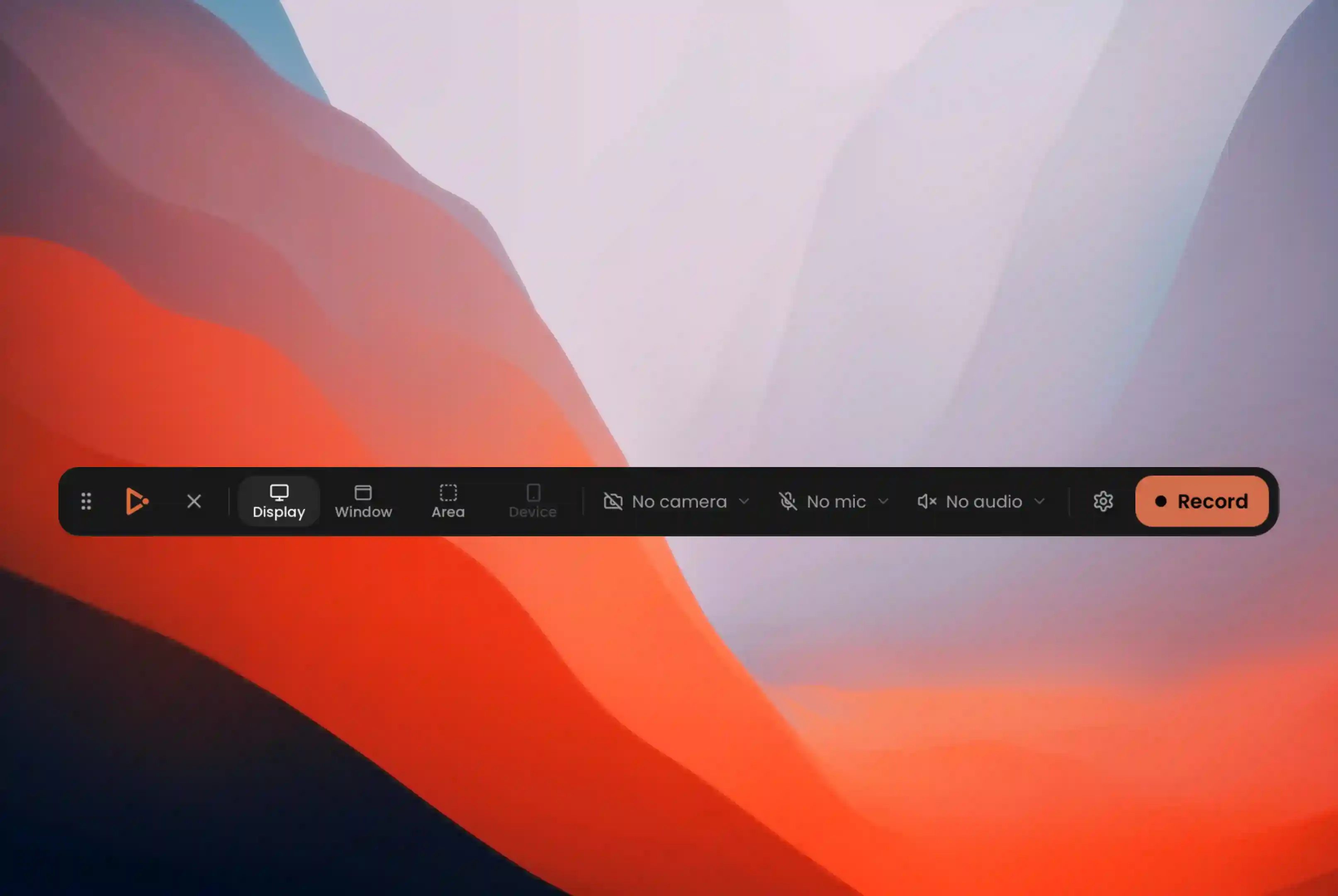
Menubar recorder, global hotkey (⌥⇧R / Alt+Shift+R), display / window / area capture, mic + system audio, face-cam overlay, countdown, pause/resume—and a native capture pipeline per OS (ScreenCaptureKit, Windows.Graphics.Capture, PipeWire).
Zoom that follows the story
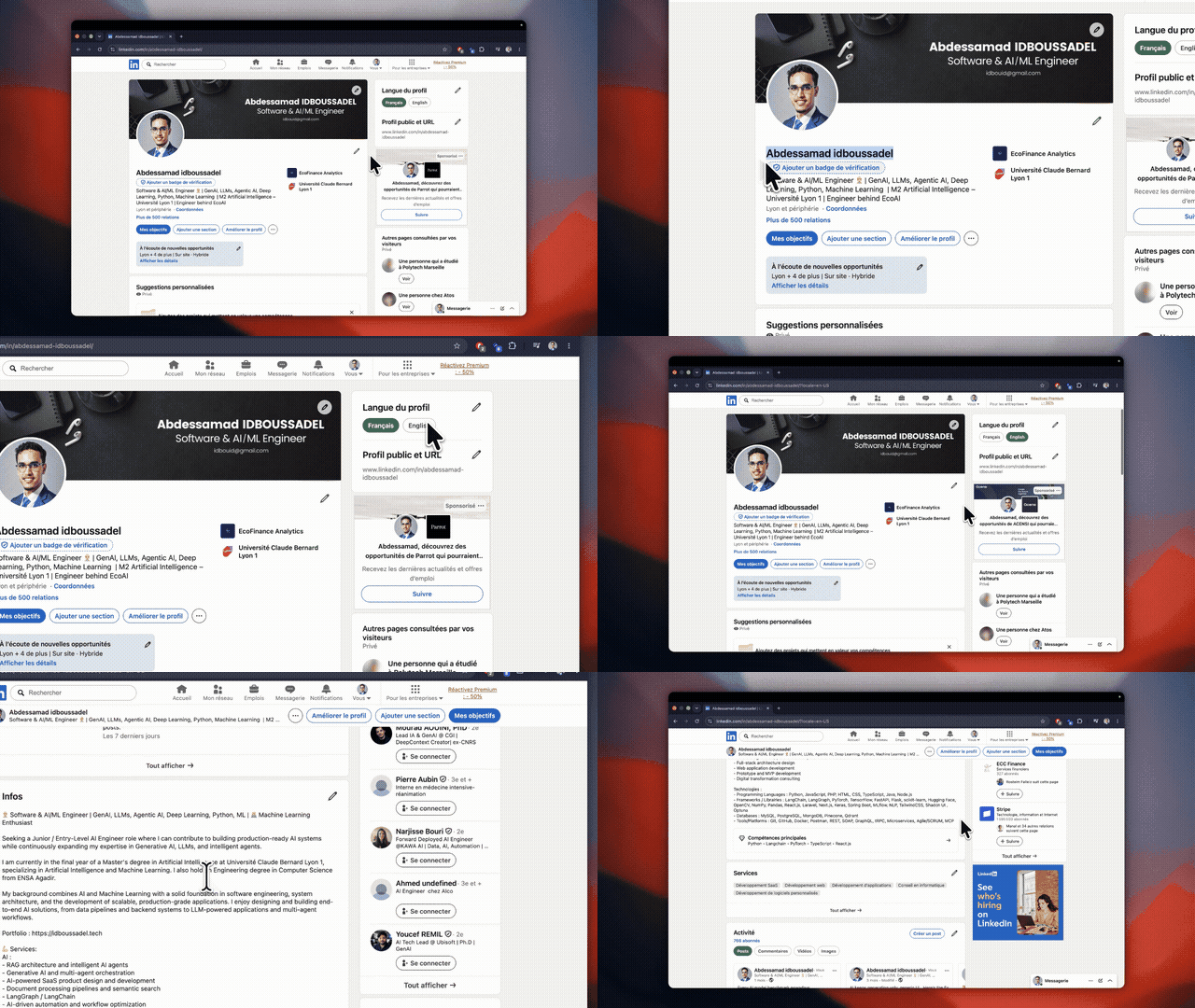
Click-based auto zooms, follow-cursor motion, timeline fragments, easing, and automatic motion between cuts. The important UI stays in frame without hand-keyframing every pan.
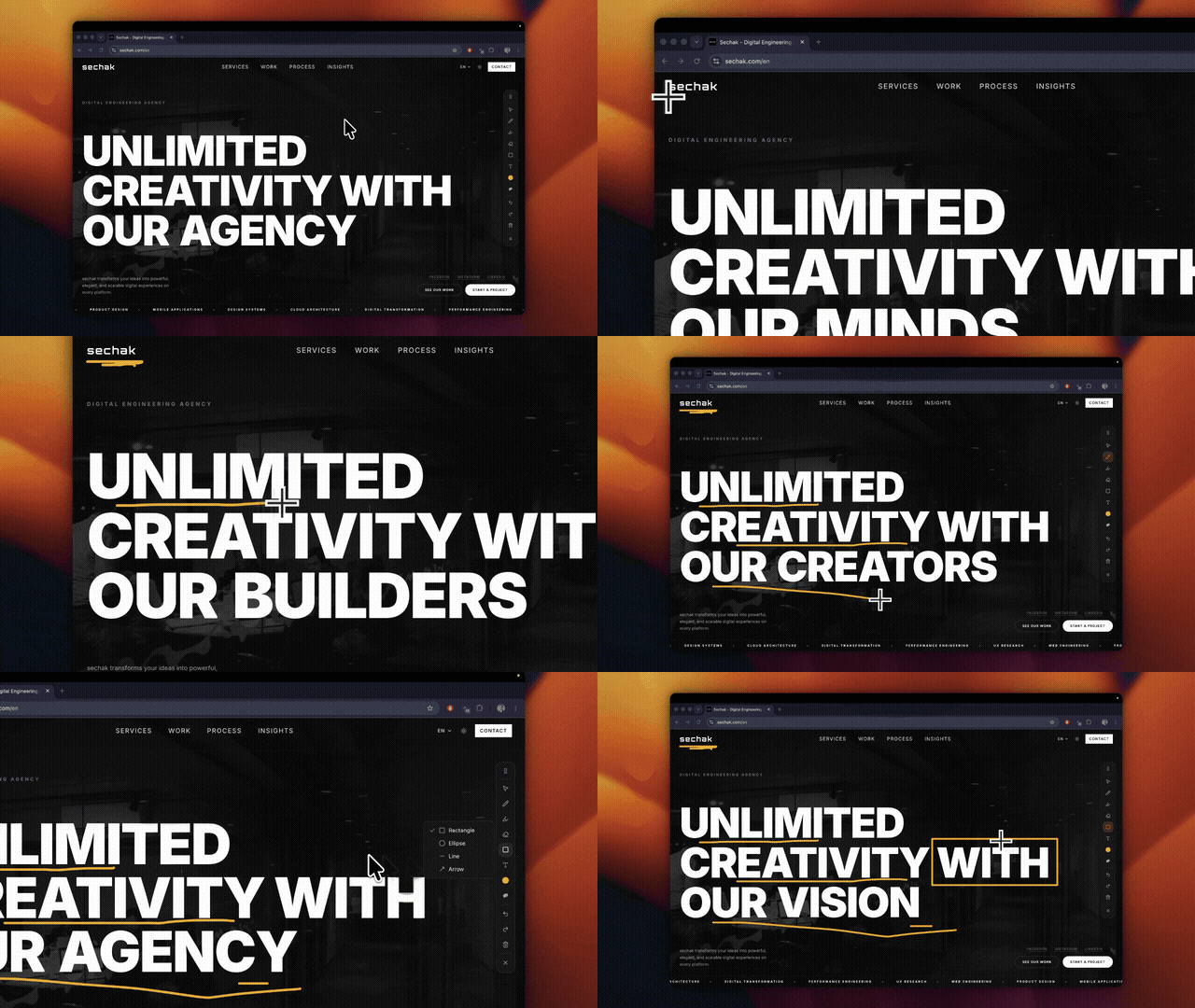
Draw while you talk
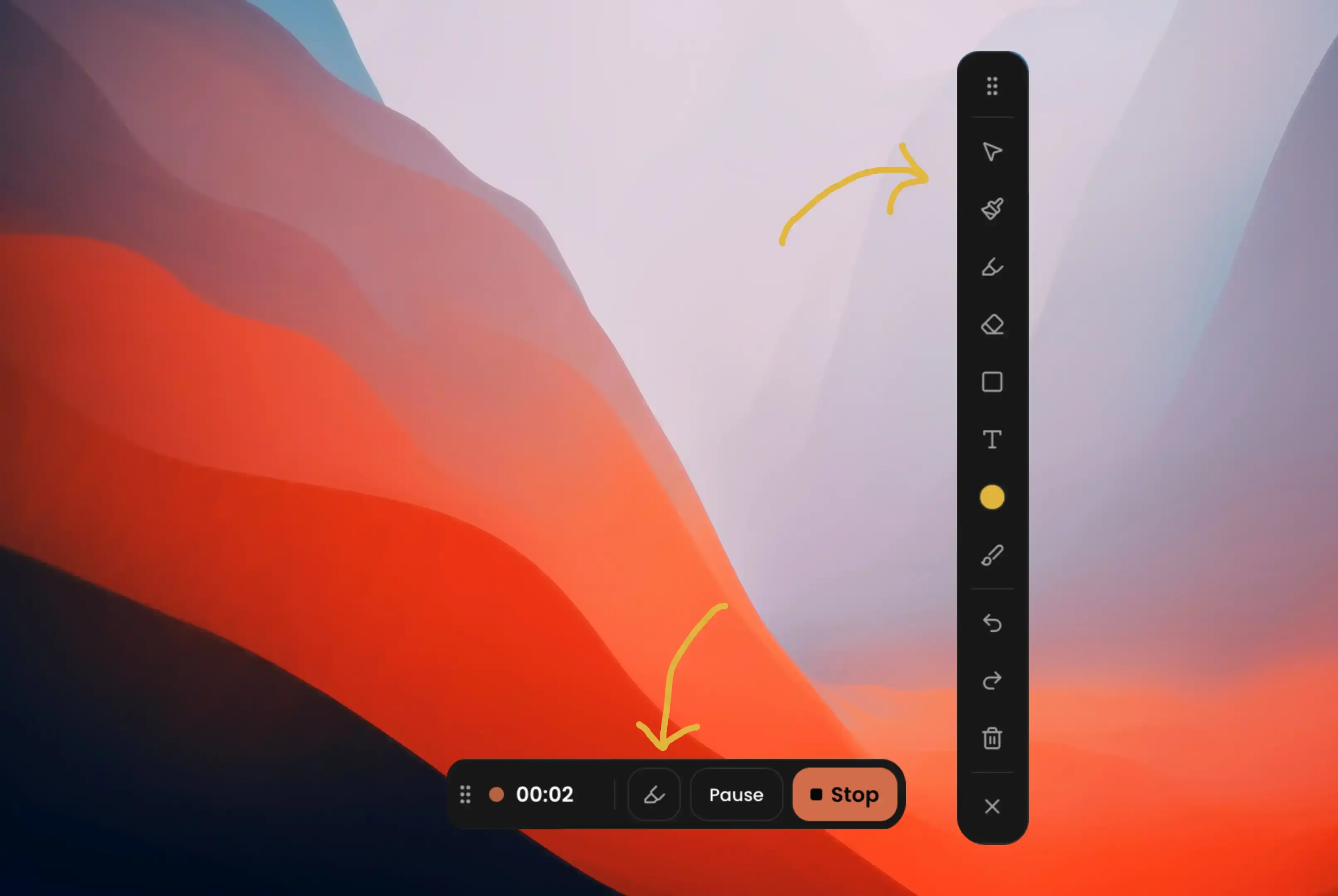
Pen, highlighter, shapes, text, eraser—burned into the recording, not a separate layer you forget to export.
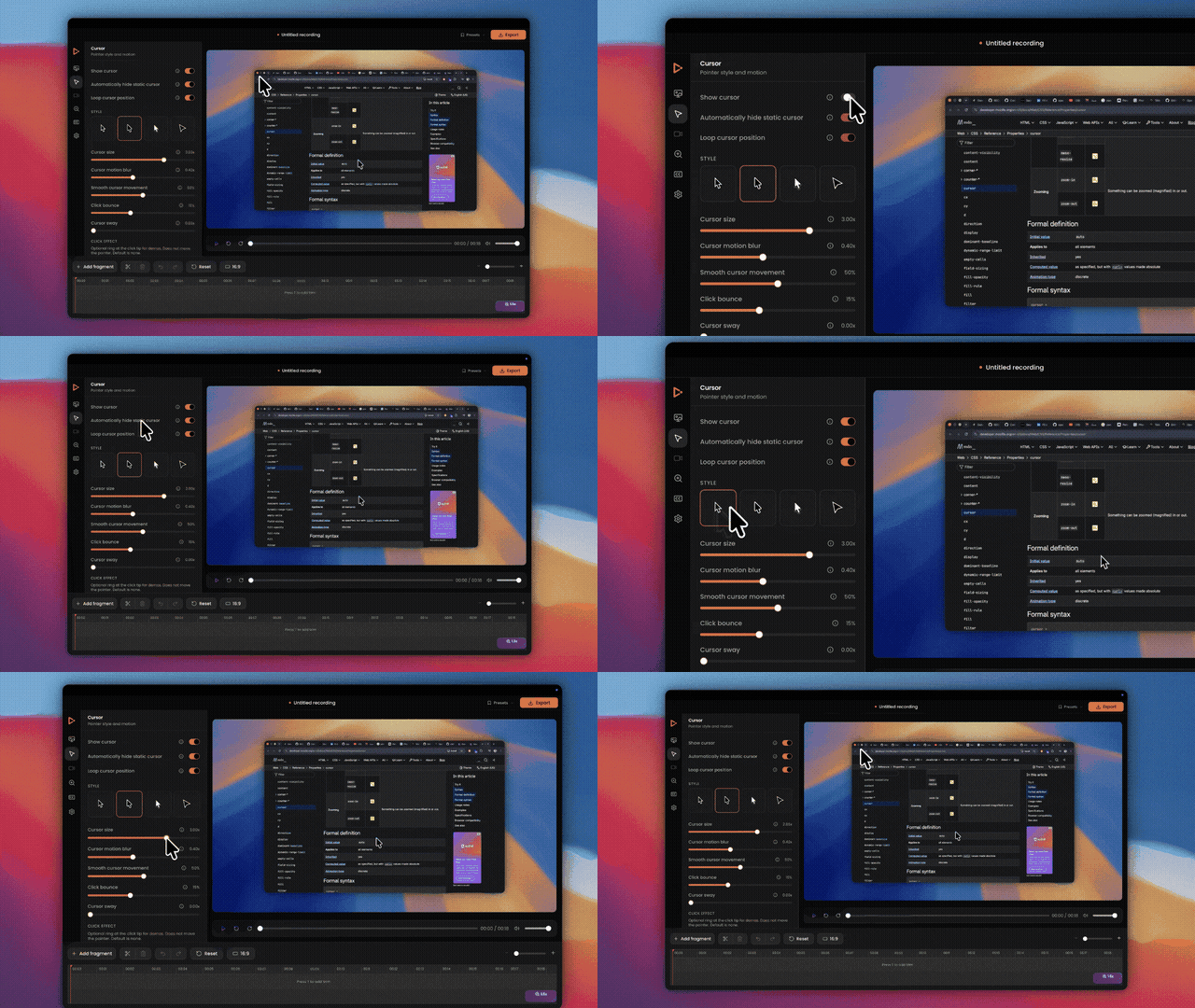
Cursor that feels intentional
macOS / Tahoe / minimal styles, size, motion blur, click bounce, sway. Idle cursors can hide so the frame stays clean.
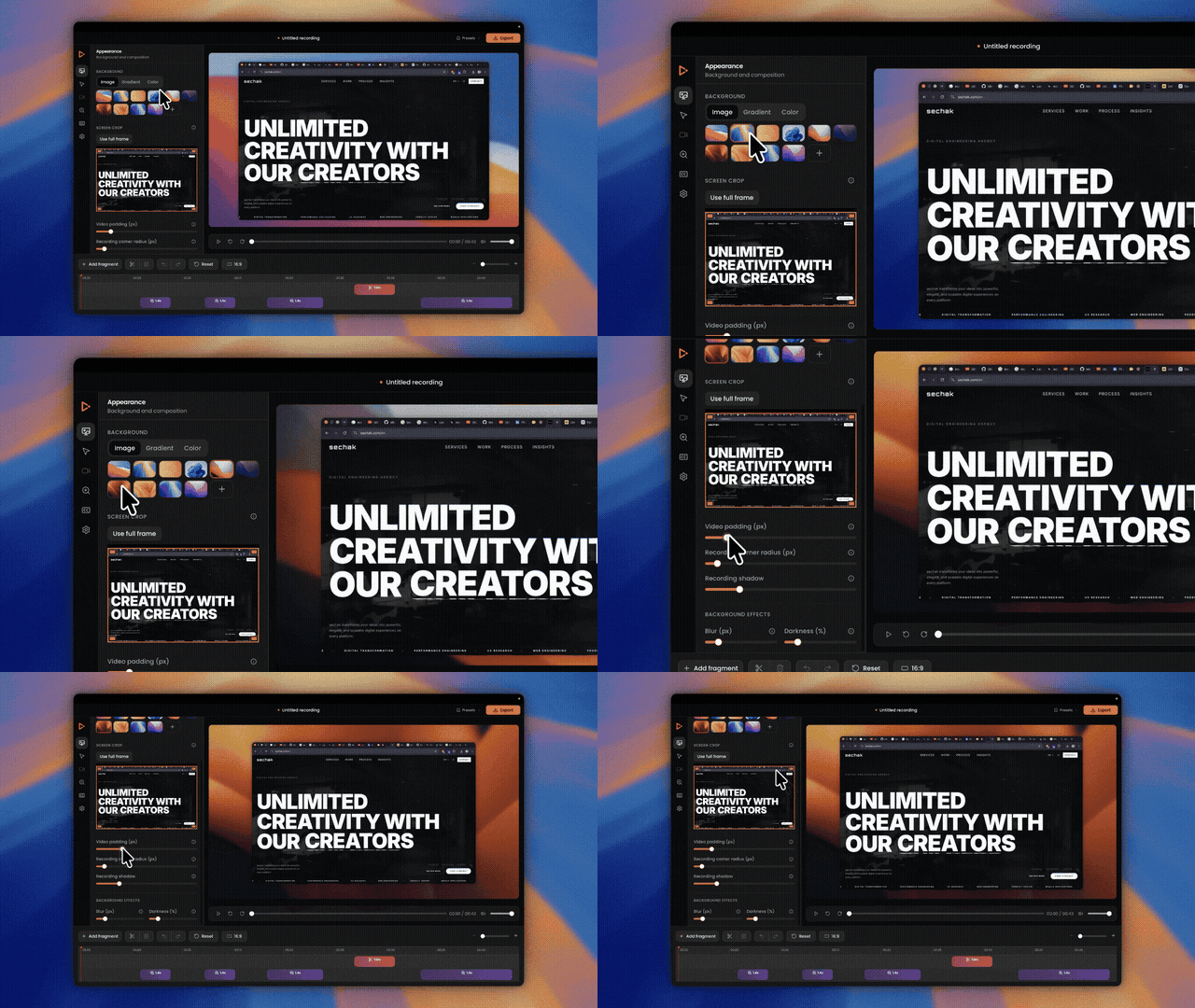
A look that matches the product
Background presets, gradients, uploads, padding, corner radius, shadow, crop chrome away, and named editor presets so your next demo starts where the last one left off.
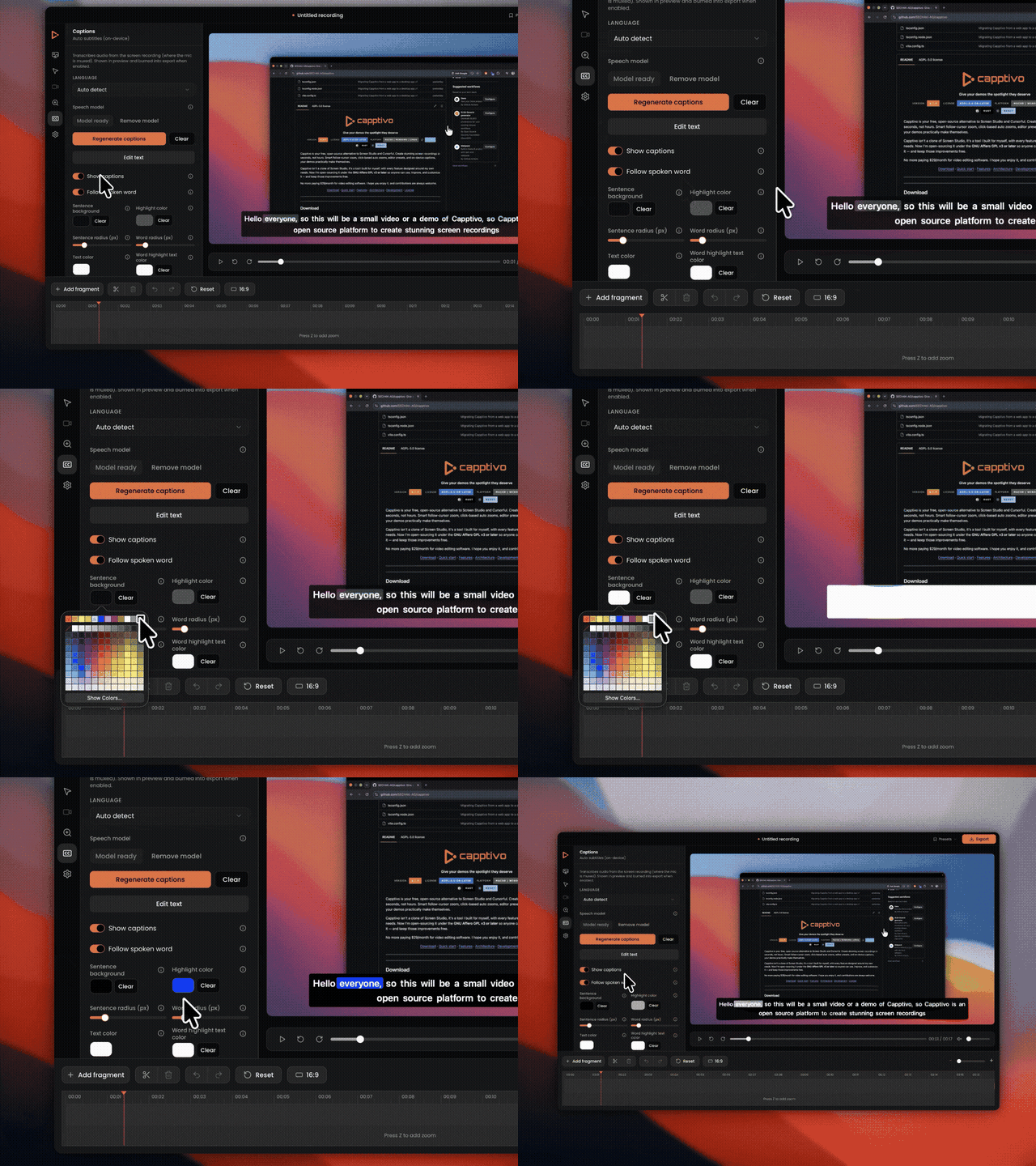
Captions on your machine
Speech-to-text via whisper.cpp—model weights download locally. No cloud transcript round-trip for private betas and unreleased UI.
Export for every channel
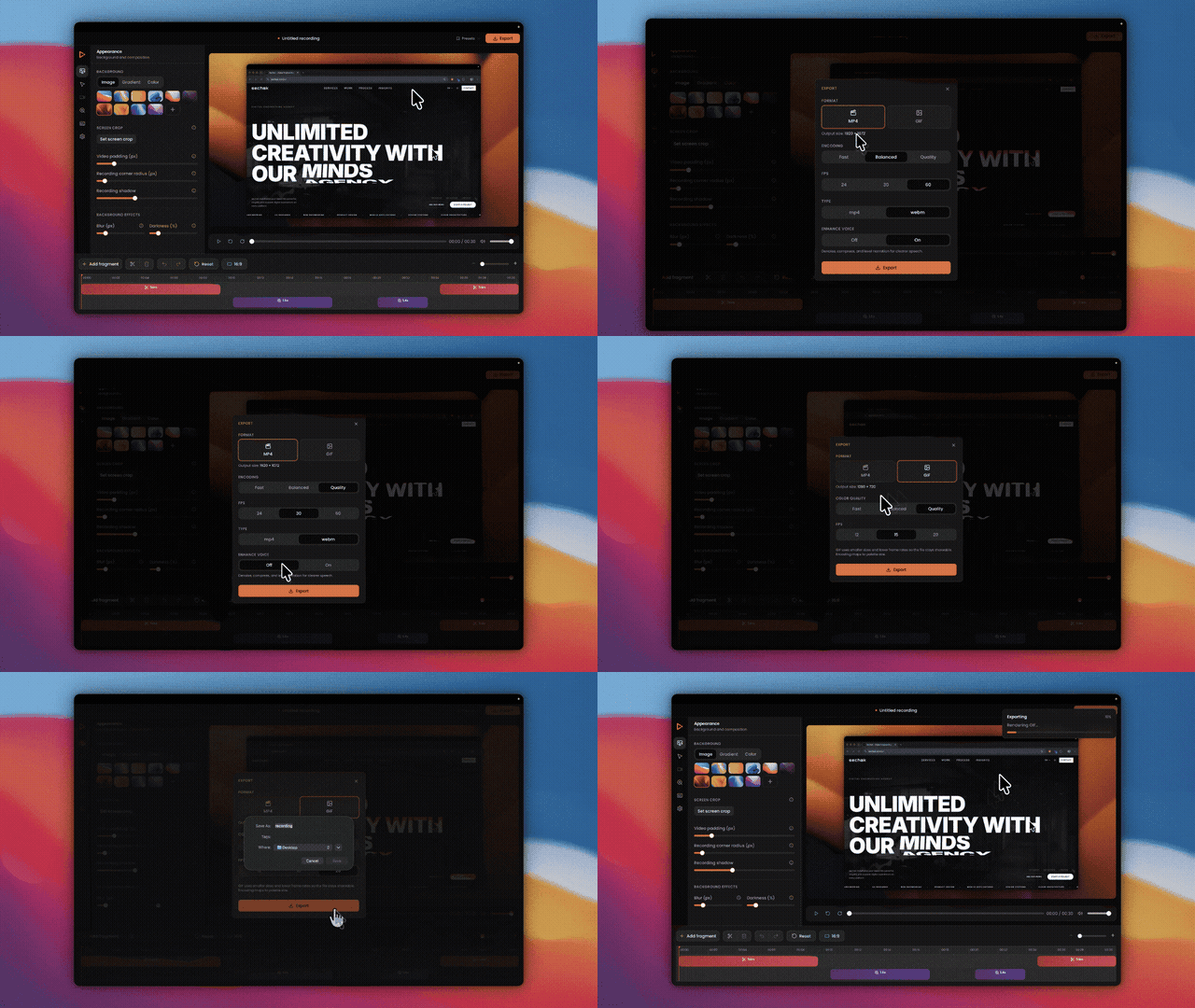
MP4, WebM, GIF. Resolution and quality controls. 24 / 30 / 60 fps. Optional voice enhancement. One project, several aspect ratios when you need them.
Local-first by default
Projects live in your OS app-data folder. The library is in-app. Editing doesn’t wait on an upload. When you’re ready to share, you export a file—on purpose.
UI languages match the app: English, Français, Español, Italiano, Deutsch, Português, Русский, 日本語, 한국어, 中文, العربية.
Grab a build
Installers are on the install page and GitHub Releases:
| Platform | Notes |
|---|---|
| macOS Apple Silicon / Intel | Unsigned for now—right-click → Open on first launch |
| Windows | .msi or setup .exe |
| Linux | .deb / AppImage / .rpm (PipeWire 1.0+) |
Built in the open
Capptivo isn’t a closed clone of Screen Studio. It’s a tool shaped around real demo work, released under MIT so you can audit it, contribute, or bend it to your team.
Star the repo, file an issue when something’s rough, or open a PR. Then record something worth watching.